Calendly books your Surprise estimate fine, then has no idea how to take a deposit or assign the crew
Custom booking and scheduling software in Surprise, AZ runs $30,000 to $95,000 over 2 to 5 months.
On this page
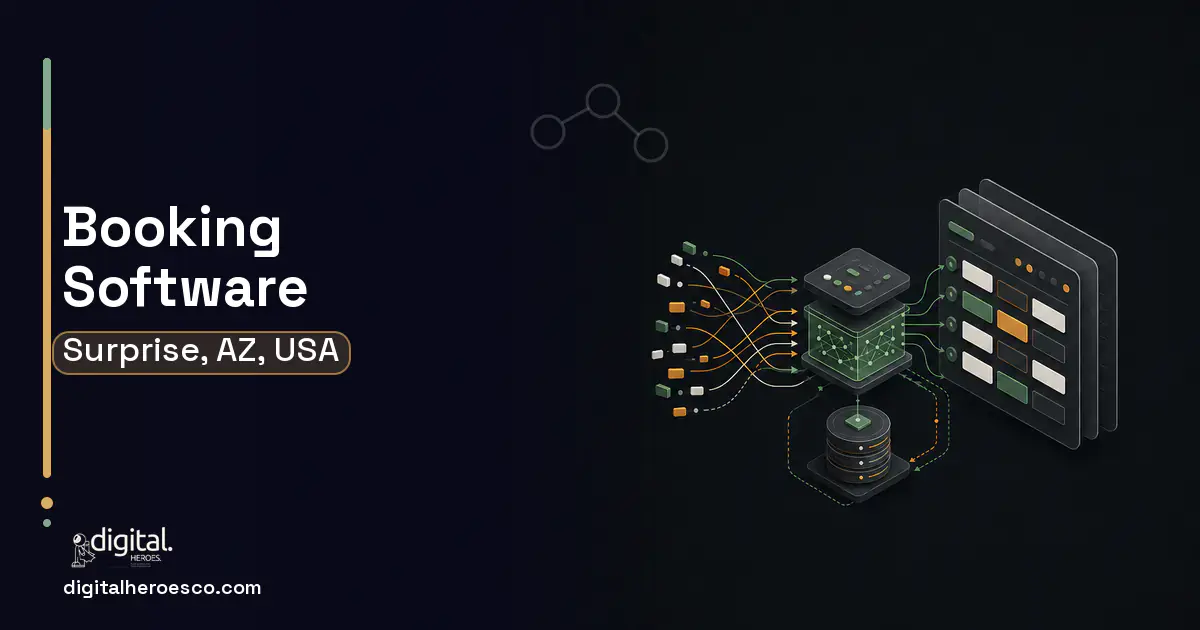
Custom booking and scheduling software in Surprise, AZ runs $30,000 to $95,000 over 2 to 5 months. You build past Calendly, Acuity, and Mindbody when your West Valley business needs booking tied to crew availability, deposits, service duration, and routing, not a simple calendar that ignores who and what the appointment actually requires.
Calendly books a meeting; it can't book a Surprise install. A home-service appointment depends on which crew is qualified, where they already are that day, how long the job takes, and whether a deposit clears first. Calendly and Acuity see an open time slot and a person, not a routing problem with a deposit and a skill match, so the booking they confirm often can't actually be fulfilled.
Clinics and senior-living providers hit the same wall from the care side: appointments need the right provider, the right room or resource, and rules about spacing and follow-ups that a generic scheduler can't express. The result is double-bookings, crews sent across the West Valley inefficiently, and a customer experience that promises a slot the operation can't keep.
Why the usual tools struggle in Surprise
- Booking ignores crew qualification, location, and job duration
- No deposit capture before a high-value install slot is held
- Generic schedulers can't route crews efficiently across the West Valley
- Clinic and senior-living rules (provider, room, spacing) don't fit a simple calendar
What a custom booking & scheduling build changes
Custom booking software books what your Surprise operation can actually fulfill: it matches the right crew or provider, respects location and duration, captures a deposit for high-value installs, and routes efficiently. It connects to your scheduling, field-service, and POS (Point of Sale) systems so a confirmed booking becomes a real, dispatchable job instead of a calendar entry the operation can't honor.
- Bookings depend on crew skill, location, and duration
- High-value installs need a deposit before the slot is held
- You route crews across the West Valley and need efficiency
- Care scheduling needs provider, room, and spacing rules
- You book a single resource into simple time slots
- No deposits or routing are involved
- Calendly, Acuity, or Mindbody already fits your workflow
- Booking volume doesn't justify a custom build
- Bookings matched to crew skill, location, and job duration
- Deposit capture before holding a high-value install slot
- Efficient crew routing across West Valley appointments
- Provider, room, and spacing rules for clinics and senior living
- Integration with scheduling, field-service, and payment systems
- Costs more than a Calendly or Acuity subscription
- Routing and availability logic is genuinely complex to build well
- Payment handling adds PCI and processing considerations
- For simple single-resource booking, off-the-shelf tools are enough
The features that matter for Surprise
Booking & Scheduling services we deliver in Surprise
Digital Heroes builds the full booking & scheduling stack for Surprise teams. Typical engagements cover booking and scheduling software, appointment scheduling, online reservation system, Calendly alternative and Acuity alternative.
Booking & Scheduling pricing in Surprise: the real numbers
| Project scope | Typical cost | Timeline |
|---|---|---|
| Resource-aware booking core | $30,000 to $50,000 | 2 to 3 months |
| Add deposits + routing | $50,000 to $72,000 | 3 to 4 months |
| Full booking platform + integrations | $72,000 to $95,000 | 4 to 5 months |
From kickoff to launch: the schedule
Exactly what you get
You get booking software that only confirms what your Surprise operation can fulfill: appointments matched to the right crew or provider, respecting location and duration, with a deposit captured before a high-value install slot is held and routing that keeps crews efficient across the West Valley. Care settings get provider, room, and spacing rules. Every confirmed booking flows into your scheduling, field-service, and payment systems as a real, dispatchable job.
How to choose a developer in Surprise
Pick a team that has built resource-aware scheduling and payment capture, not just calendar UIs. Ask how they match bookings to crew skill and location, how deposits are handled at booking, and how a confirmed slot becomes a dispatch. Confirm integration with your field-service and scheduling systems and a clear approach to the routing logic that makes or breaks this build.
- !They model a single-resource calendar; ask about skill and location matching
- !No payment experience; ask how deposits are captured at booking
- !No routing logic; ask how crews are scheduled efficiently across the area
- !No field-service integration; ask how a booking becomes a dispatch
- !No rescheduling workflow; ask how cancellations and changes are handled
Most Surprise teams pricing booking & scheduling end up comparing notes on crm, custom software, hr too; the systems share one data spine. Weighing options across the region? Nearby: booking & scheduling in Phoenix, Tucson and Mesa. Prefer to talk to the team that builds these? Digital Heroes handles custom software development end to end.
The evidence behind this guide
Independent findings on why this investment pays off. Every link goes to the primary source.
- SMS reminders that stated the specific cost of the appointment to the health system reduced missed appointments in Trial One, with the DNA (did-not-attend) rate falling from 11.1% (control) to 8.4% (specific-costs message) - an odds ratio of 0.74 (95% CI 0.61-0.89), i.e. roughly a 24-26% relative reduction - at no additional cost. (Trial Two replicated this at an 8.2% DNA rate.). Source: PLOS ONE (Hallsworth et al.) (2015) →
- In an RCT, text-message reminders (11.7% missed) were non-inferior to telephone reminders (10.2% missed; difference not significant, within the 2% non-inferiority margin) but far cheaper - total cost EUR 230 for SMS versus EUR 8,910 for telephone over 6 months - making SMS more cost-effective. Source: BMC Health Services Research / PubMed Central (Junod Perron et al.) (2013) →
- OECD research finds that digitalisation offers SMEs opportunities to improve performance, spur innovation, enhance productivity and compete more evenly with larger firms; it reports that increased use of online platforms produced significant multi-factor productivity gains in SME-heavy sectors such as hospitality and retail, while smaller firms lag in adoption due to skills, resource and financing gaps. Source: OECD (2021) →
- Almost half of all the activities people are paid almost $16 trillion in wages to do in the global economy have the potential to be automated by adapting currently demonstrated technologies. Source: McKinsey Global Institute (2017) →
Frequently asked questions
Why won't Calendly or Acuity work for our Surprise home-service business?
They book a person into an open slot. An install booking depends on crew skill, location, job duration, and a deposit, which those tools ignore, so they confirm slots the operation can't actually fulfill.
Can the software take a deposit before booking a big install?
Yes, and that's a key reason to build custom. It captures a deposit or prepayment before holding a high-value slot, which protects your schedule and filters out non-serious bookings on expensive jobs.
How does crew routing improve efficiency?
The scheduler considers where crews already are and how long jobs take, so appointments are sequenced to cut drive time across the West Valley. Generic calendars can't do this, which is why crews get sent around inefficiently.
Does it work for clinics and senior-living scheduling too?
Yes. The same resource-aware engine handles provider, room, and equipment scheduling with spacing and follow-up rules, which simple calendar tools like Mindbody can't fully express for complex care workflows.
How does a booking become an actual job?
Through integration with your field-service and scheduling systems. A confirmed booking flows in as a dispatchable job with the assigned crew and deposit recorded, so the calendar entry and the real work are the same thing.
What would a custom scheduling app cost for a small business with one location?
A single-location scheduling app typically runs $8,000 to $25,000 when scoped as an MVP: a public booking page, staff calendars, Stripe payments, and SMS reminders. In Digital Heroes projects, small businesses keep the budget down by launching with a mobile-friendly web app instead of native iOS and Android apps, which cuts 30 to 40 percent off the initial build. Native apps can follow in phase two once bookings prove the demand.
How do I calculate whether custom software will pay for itself?
Divide the build cost by the monthly benefit, where benefit is hours saved times loaded hourly cost, plus subscription fees replaced, plus any revenue the software unlocks. Three staff saving 10 hours a week each at a $40 loaded rate is about $62,000 a year, which pays back a $60,000 build in roughly 12 months. Across Digital Heroes internal-tool projects, 12 to 24 months is the normal payback range, and anything projecting under 6 months usually means the spreadsheet is hiding costs.
What should I prepare before contacting a software development agency?
A one-page brief beats a 40-page requirements document: the business problem in plain words, who will use the system, the 5 to 10 workflows it must handle, the tools it must connect to, and your budget range and deadline driver. You do not need wireframes, a specification, or technical vocabulary; producing those is the agency's job during discovery. Stating a budget range up front is the single best move, because it gets you honest scoping instead of a quote engineered to win the meeting.
Should I hire a development agency in Surprise or work with a remote team?
Choose on process, not postcode: a booking system is delivered through staging links, demos, and weekly calls, so remote teams perform just as well on this project type. A Surprise agency earns its premium when you want in-person discovery workshops or on-site training for front-desk staff at launch. Whichever you pick, insist on overlapping working hours and a named project manager; those predict outcomes far better than office location.
What are the biggest mistakes first-time software buyers make?
Choosing the lowest bid, paying more than 30-40% upfront instead of on milestones, skipping a written specification, and having no maintenance plan for after launch. The most expensive of the four in Digital Heroes rescue projects is the missing spec: without written acceptance criteria, done becomes an argument instead of a checklist, and every disagreement resolves in the vendor's favor. Fix those four and you have avoided most of the ways these projects fail.
How many SaaS seats do we need before building custom becomes cheaper?
The crossover usually shows up between 20 and 50 seats on premium tiers. Salesforce Enterprise lists at $165 per user per month, so 40 users cost about $79,000 a year in subscriptions, which is real money against a custom system you would own outright. Run the comparison over three years: if subscription spend beats the build cost plus 15-20% annual maintenance, custom wins on price before you even count workflow fit.
Will a custom booking system scale if we open more locations?
Yes, provided multi-location support is designed in from day one: location-scoped staff, services, pricing, and reporting with a shared client record underneath. Retrofitting locations onto a single-site build is one of the costlier changes we handle at Digital Heroes, often 30 to 40 percent of the original build price. If expansion is even a maybe, say so during scoping; the data-model decision costs almost nothing upfront and prevents a rebuild later.
Can I take payments through my booking system without per-booking platform fees?
Yes, with a custom system you pay only your payment processor; Stripe's standard rate is 2.9 percent plus 30 cents per transaction with no platform fee stacked on top. Booking platforms often add their own layer through marketplace commissions, premium payment tiers, or per-transaction surcharges, which becomes dead money as volume grows. At 500 paid bookings a month averaging $60, even a 1 percent platform layer costs $3,600 a year that a custom build hands back.
Can custom booking software actually reduce no-shows?
Yes, and the two levers that work are card-on-file deposits and layered reminders, meaning an SMS at 24 hours with a confirm-or-reschedule link. Across the service businesses Digital Heroes has built for, a $10 to $20 deposit at booking cuts no-shows harder than any reminder cadence, because a financial commitment changes behavior more than a text does. Custom software lets you set deposit rules per service or per client's track record, something Calendly and Acuity apply per appointment type at best.
Does my booking system need to be HIPAA compliant?
Only if an appointment reveals health information, which it does for therapy practices, medical clinics, physiotherapy, and wellness treatments tied to a condition. In Digital Heroes healthcare builds, HIPAA adds encryption at rest, audit logs, role-based access, and a signed business associate agreement with the hosting provider, which typically adds $5,000 to $10,000 and 2 to 3 weeks. Salons, gyms, and consultants generally do not need it, but confirm with a lawyer rather than a developer.
Who can build custom booking & scheduling software for a business in Surprise?
Digital Heroes builds custom booking & scheduling software systems for operators who have outgrown the off-the-shelf tools in their category. The work is delivered remotely: our engineers work from Delhi and Lucknow, leadership is in New York, and some team members live in London and Sydney and work remotely from there. We have no office in Surprise. You can chat with the team directly, and every form gets an email reply within 24 hours.
Related guides

More from Oliver.
Senior Account Director · UK · London · 3 posts on the site
Published · Last updated .